Plain language first
Every lesson starts with what the job means, what can go wrong, and what a safe result looks like.
Skills Lab
Knowing what's blocking your website from showing up in AI search is only the first step. Our Skills Lab moves from visibility and monitoring to action - empowering users of all skill levels to use the AI assistant they already trust to make clear fixes safely, understand how to effectively prompt their AIs to make direct website edits, and know when a human expert needs to be brought into the loop.
Built around your real setup
WordPress, Shopify, WooCommerce, Wix, Squarespace, Webflow, and custom sites do not work the same way. Skills Lab remembers your platform, host, and AI preference, then gives you the relevant route instead of making you hunt through a technical manual.
Every lesson starts with what the job means, what can go wrong, and what a safe result looks like.
Turn a specific GEO finding into instructions with placeholders for the facts only you can confirm.
Backups, limited access, previews, verification, and escalation are built into the path—not buried in fine print.
A guided path, not a wall of documentation
Save your platform, host, and preferred AI once. Skills Lab serves the guidance that fits your setup.
Start from a GEO finding or a normal website job such as updating a page, adding an FAQ, or fixing a broken link.
See the safest path, the facts you need, and a prompt you can review before sharing it with your AI.
Back up first, preview the work, and keep every live edit within the exact scope you approved.
Verify the page on desktop and mobile—not just the new sentence or setting.
High-risk work stays with your developer or a GEO specialist instead of being disguised as a DIY task.
Meet your Skills Lab crew
The guide names make complex work easier to follow. Each one stays in a clear lane, and the full workspace lets you ask them questions about your site and the Skill you are using.
Try the agent chat demo →
Protects your work with backups, staging, and a way back.
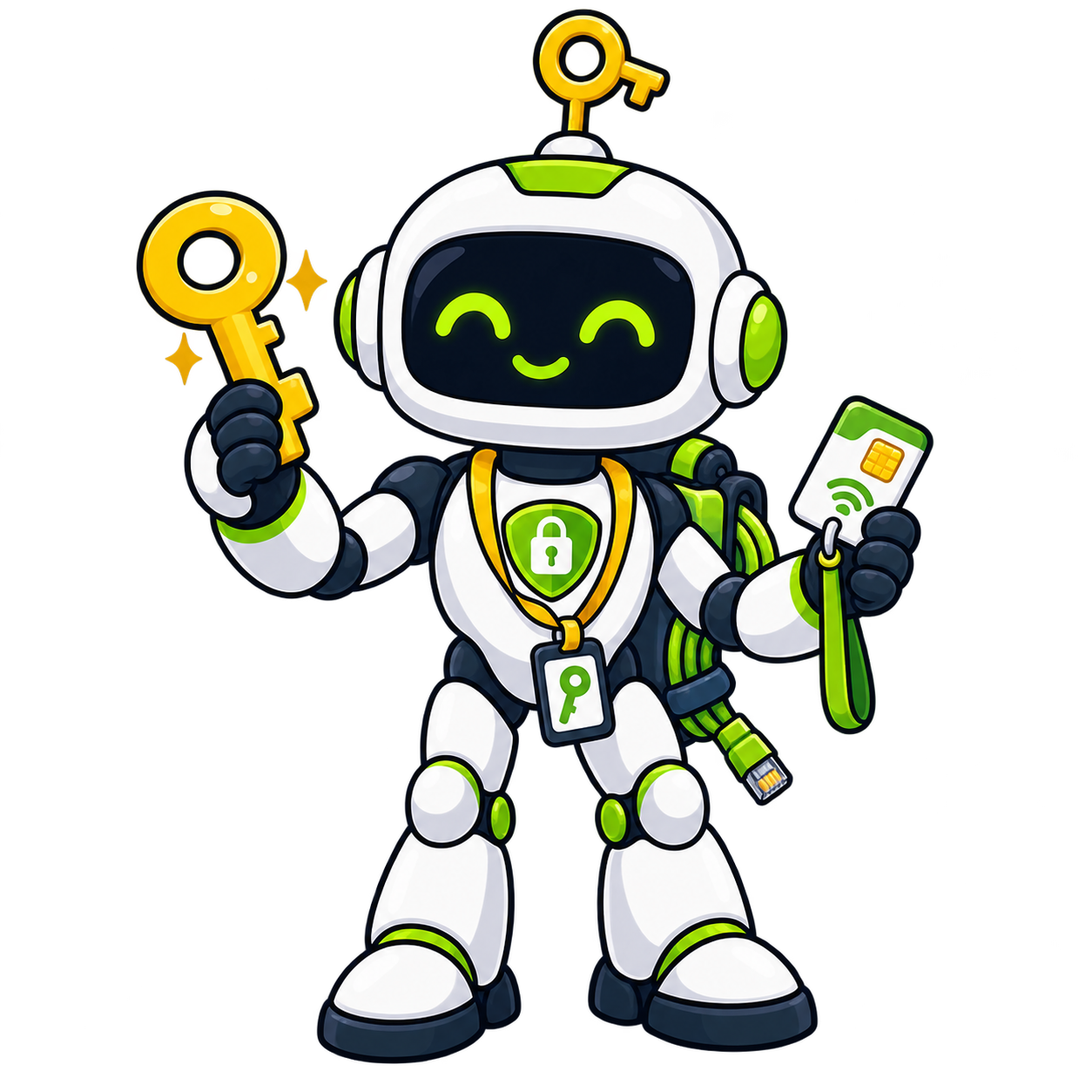
Explains safe access and the smallest permissions a task needs.

Turns a vague idea or GEO finding into a useful AI prompt.
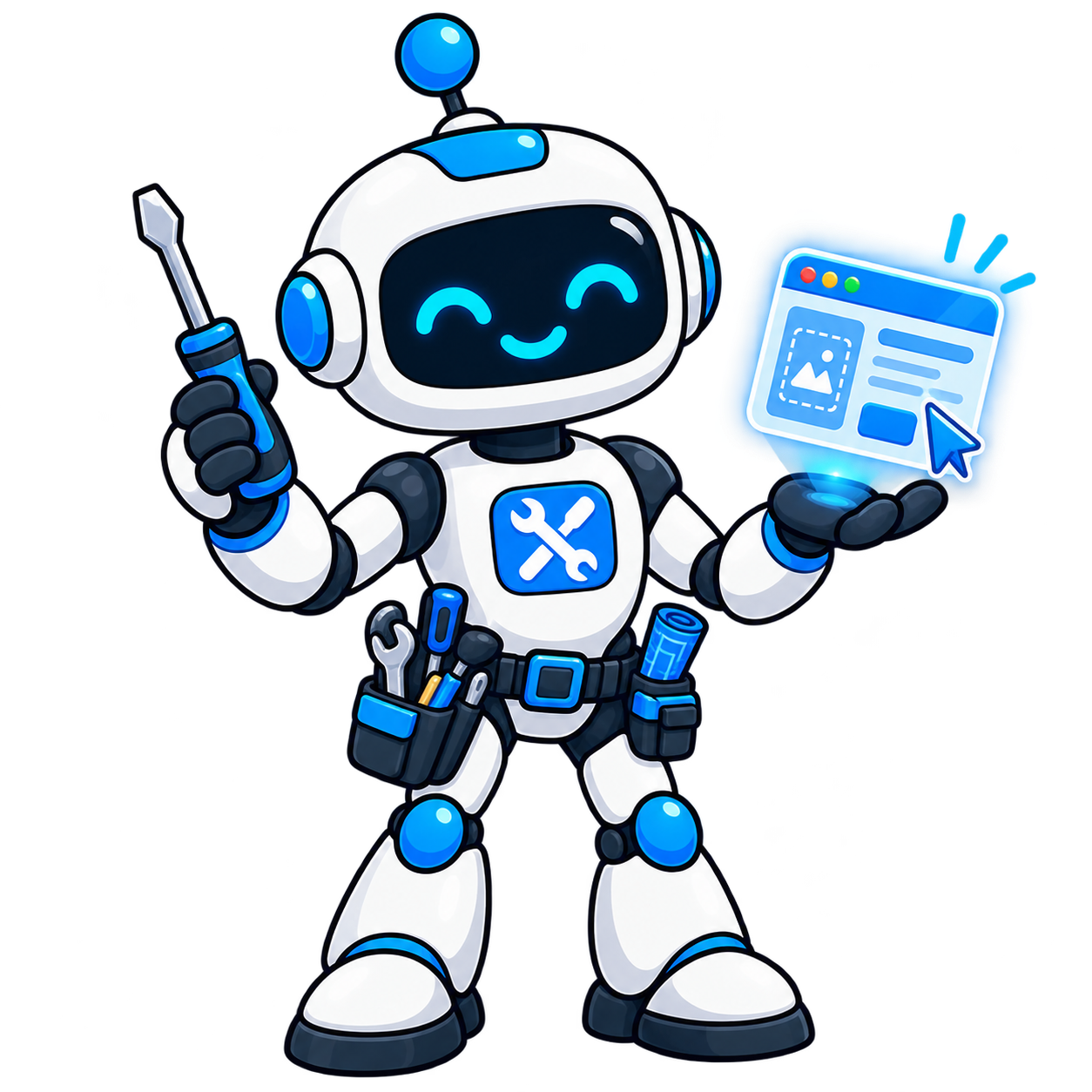
Walks you through the actual website change, one step at a time.
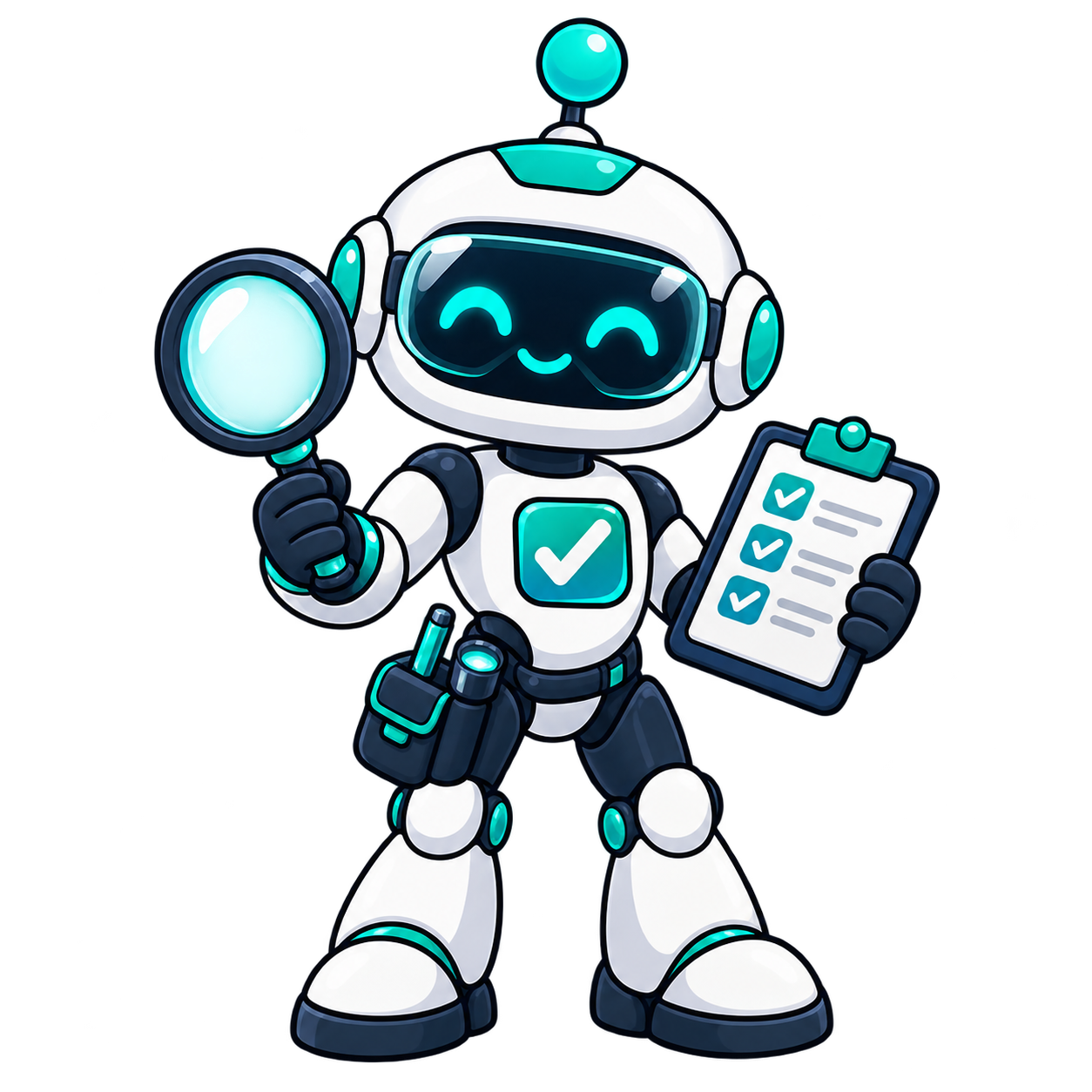
Tests the page, links, layout, and result before you call it done.

Tells you when to stop and hand the job to a developer or GEO specialist.
Find your path
Included with your GEO workspace
Customers get the complete library, personalized paths, prompt tools, progress, and Skills Lab agent guidance inside their workspace.